
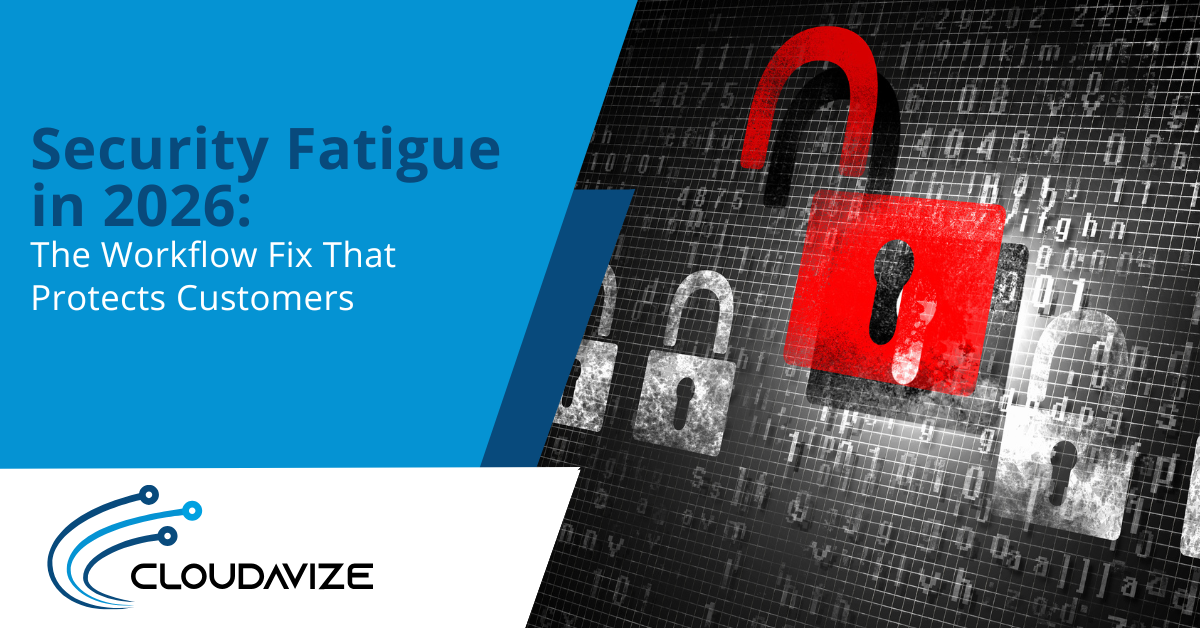
Article summary: Security fatigue in 2026 turns everyday security prompts into background noise. Employees click through on autopilot, and customers feel the impact through delays, lockouts, and avoidable mistakes. The fix is to redesign the way of working by reducing repeated decisions, tightening sign-in flows, and strengthening baseline controls.
Customers don’t see your MFA prompts, password resets, or “are you sure?” warnings.
They feel the downstream effects: slower replies, extra verification steps, locked accounts, and the kind of friction that turns a simple task into a support ticket.
That’s why security fatigue in 2026 is more than an internal IT headache. It’s a customer experience problem.
When security gets tedious, people go on autopilot. And when autopilot becomes normal, mistakes and delays show up exactly where you don’t want them: in customer delivery.
The fix isn’t more reminders or more training slides. It’s treating fatigue like a workflow problem.
What Security Fatigue Really Is
Security fatigue is what happens when security stops feeling like protection and starts feeling like constant interruption.
NIST research describes it as “a weariness or reluctance to deal with computer security,” which often develops when people are repeatedly asked to make small security decisions throughout the day.
The most important part is what fatigue does to behavior.
In the same NIST report, one participant put it plainly: “I don’t pay any attention to those things anymore… People get weary from being bombarded by ‘watch out for this or watch out for that.’”
That’s autopilot in one sentence: warnings turn into background noise, and “approve/allow/continue” becomes reflex.
In 2026, that autopilot is easier to trigger because the volume of prompts and security friction has grown across logins, devices, and apps. And it doesn’t just affect mood. It affects output.
Research on cybersecurity fatigue shows a clear pattern: higher fatigue is linked to lower productivity and increased signs of stress and burnout.
Why Security Fatigue Shows Up as Bad Customer Service
Security controls don’t stay contained inside IT. When they create constant friction, the impact leaks into response times, accuracy, and customer experience.
That’s why security fatigue in 2026 often looks less like a security issue and more like bad service.
The customer side of this is measurable.
In its analysis of security friction, CSGI cites consumer research that 87% of U.S. consumers have abandoned a purchase or sign-up because of login issues. And that people who find login procedures too long or complex are 46% more likely to give up on a purchase.
It also notes that 67% of consumers say they have stopped using an account or website because logging in was too much hassle, while 52% say they would consider switching to a company with a simpler login experience.
That’s what fatigue looks like from the outside: customers opting out.
The Security Fatigue Audit
This audit is meant to identify where workflow design is creating security fatigue, rather than blaming “careless employees.”
Step 1: Map the Top 5 “Security Interrupts” in Daily Work
List the five security-related interruptions that show up most in a normal day.
Don’t guess. Ask a few frontline roles what slows them down and what they’re most tempted to “click through.”
Typical culprits:
- Repeated sign-ins and MFA prompts
- Password resets and account lockouts
- File access requests and permission approvals
- Frequent security warnings
- “Temporary” workarounds that become permanent steps
Step 2: Identify Where People are Forced to Make the Same Decision Repeatedly
This is where fatigue turns into reflex.
That’s the behavior you’re trying to prevent because repetitive prompts train people to approve without thinking.
Mark these red flags:
- The same approval required multiple times a day
- Warnings that appear even when risk is low
- Prompts that don’t explain what’s happening or why it matters
Step 3: Track Where Friction Spills Into Customer Delivery
Now connect internal friction to external impact.
Inside your business, look for:
- Customer requests delayed by access blocks, lockouts, or repeated verification
- More escalations tied to authentication friction
- Longer resolution times when secure steps are unclear or repetitive
- Workarounds that create mistakes
Workflow Fixes That Reduce Risk and Protect Customers
These fixes reduce security fatigue by removing repeated decisions and making secure behavior easier than workarounds.
Fix 1: Make MFA Stronger Without Making it Constant
When multi-factor authentication (MFA) prompts appear constantly throughout the day, people begin to tune them out.
Reduce prompts by combining stronger MFA with smarter routines:
- Use fewer sign-ins where possible
- Use contextual checks so routine logins stay smooth while unusual ones trigger additional verification.
Fix 2: Stop Self-Inflicted Lockouts and Resets
Password resets and account lockouts are customer-facing delays waiting to happen.
Tighten the basics so access problems don’t become daily support work:
- Standardize devices and patching
- Strengthen account security
Fix 3: Reduce Warning Noise with Better Baseline Controls
When everything looks like an alert, nothing looks like an alert.
Improve the controls that prevent risky events from reaching the user in the first place, so fewer prompts are needed.
Fix 4: Make the Safe Path the Default
The fastest way to reduce autopilot is to stop asking people to make the same security decision repeatedly.
Where possible, set defaults that guide behavior:
- Default sharing rules
- Default access levels
- Clear “approved way” to do common tasks
Turn Security Into a Competitive Advantage
Security fatigue in 2026 isn’t just an internal annoyance. It’s a customer experience tax.
The upside is that fixing fatigue doesn’t require more reminders. It requires better work patterns. When security stops interrupting work, service gets faster and more consistent.
If you want to reduce security fatigue without reducing protection, Cloudavize can help you identify the friction points creating autopilot and redesign your processes that protect customers while keeping work moving.
Contact the team now to get started.
Article FAQs
What is security fatigue?
Security fatigue is when constant prompts, warnings, and extra security steps wear people down, so they start clicking through on autopilot instead of thinking carefully.
Why is security fatigue worse in 2026?
Because work now runs across more apps, devices, and logins. So employees face more repeated sign-ins, MFA prompts, and security pop-ups throughout the day.
How does security fatigue affect customer experience?
It shows up as slower responses, more lockouts and resets, more errors, and more friction for customers trying to log in, verify, or get help.
What’s the fastest fix that reduces security fatigue?
Reduce repeated decisions. Start by cutting unnecessary prompts, tightening sign-in flows, and making the secure path the default for common tasks.