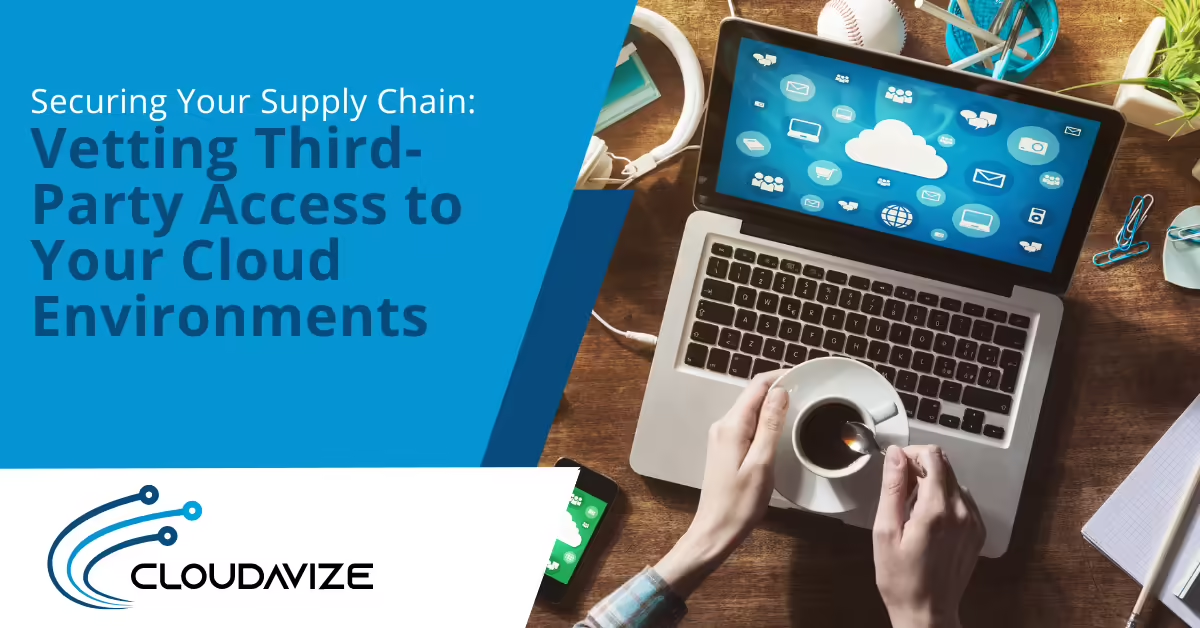
Securing Your Supply Chain: Vetting Third-Party Access to Your Cloud Environments
Article summary: Third-party access has become a major cloud security risk as vendors and contractors increasingly need entry into business systems. The biggest gaps usually come from over-permissioned accounts, weak vetting, stale access, and poor visibility into what third parties can do. Businesses can reduce risk by standardizing vendor reviews, limiting permissions, monitoring activity, and removing access as soon as it is no longer needed.
Your vendors have a key to your business, and most companies have never checked who can use it.
Every contractor with a login, every SaaS integration with an API token, and every IT provider with administrator access to your cloud environment creates another path into your systems, one that’s outside your direct control.
A cloud security strategy that focuses only on your employees overlooks one of the biggest risks businesses face today.
Why Third-Party Access Has Become the Preferred Attack Path
According to Verizon’s 2025 Data Breach Investigations Report, third-party involvement in confirmed breaches doubled from 15% to 30% in a single year. The findings reflect attackers’ growing focus on exploiting trusted vendors, software, and supply chain relationships as a path into their targets.
Compromised vendor credentials carry the same authentication weight as your own employees’ credentials. Once an attacker is inside a vendor’s systems, the access that vendor has to your cloud environment becomes theirs too.
Black Kite’s 2026 Third-Party Breach Report reached a similar conclusion.
Analyzing 136 verified third-party breach events, the researchers found that each breached vendor led to an average of 5.28 publicly identified downstream victim companies, the largest breach “blast radius” the firm has recorded to date. The findings underscore how a single vendor compromise can quickly spread across multiple customer organizations.
This is the same dynamic explored in our breakdown of network security threats and solutions: attackers increasingly favor the path of least resistance over a direct assault.
Where the Access Gaps Usually Hide
Standing access that never gets revisited
A contractor finishes a six-month project, and their cloud access stays active. An IT vendor is replaced, but the old provider’s admin credentials are never deprovisioned.
This is one of the most common gaps in third-party access management, and it rarely happens on purpose. Access is granted to solve an immediate problem, then never reviewed or removed once it’s no longer needed.
Overprovisioned permissions
Vendors are often given more access than they need because it’s faster to grant administrator rights than to carefully limit permissions.
A marketing agency that needs access to one analytics dashboard ends up with access to the entire cloud console. If that vendor is compromised, the attacker inherits everything.
Our own vendor risk checklist covers exactly this pattern: SMBs approving “small” software add-ons that quietly accumulate broad, unreviewed access.
Unmonitored integrations and API tokens
SaaS tools connect to your cloud environment through OAuth permissions and API tokens that often outlive the relationship that created them.
Many organizations have no inventory of which third-party applications their employees have authorized, which means the exposure exists whether or not anyone is actively managing it.
What a Proper Vetting Process Looks Like
1.) Build a complete inventory before you build any policy
You can’t vet what you haven’t catalogued.
Start by listing every vendor, contractor, and SaaS integration that touches your cloud environment in any way. Include the obvious ones, IT providers and managed service vendors, and the easy-to-miss ones: marketing tools with API access, accounting software with bank integrations, or AI tools with workspace permissions.
An IT assessment is a practical way to build this inventory if one doesn’t already exist. Many businesses discover third-party applications and integrations they didn’t realize still had access to their environment.
2.) Tier vendors by what they can actually touch
Not every vendor carries the same risk.
A vendor with read-only access to a single dashboard is a different risk category than one with admin rights across your cloud infrastructure.
Tier your vendors by the sensitivity of what they can access and the level of privilege they hold, then apply proportionate scrutiny: lighter review for low-tier vendors, deeper due diligence for anyone touching sensitive data or holding elevated permissions.
3.) Apply least privilege to every vendor connection
Vendors should receive the minimum access required to do their job, nothing more. This is the same principle that governs internal employee access. NIST’s cybersecurity guidance emphasizes that managing third-party risk is a fundamental security practice.
4.) Set expiration dates on access, not just on contracts
Access should be temporary by default, not left in place until someone remembers to remove it.
Whenever possible, build expiration dates into vendor access and require it to be renewed when needed. That helps ensure permissions don’t outlast the work they were granted to support.
5.) Review and remove access on a regular schedule
Quarterly access reviews help catch what day-to-day processes often miss.
Review every vendor with active access, confirm the relationship is still current, and remove permissions tied to completed projects, former vendors, or expired contractor engagements. Regular reviews help ensure unnecessary access doesn’t linger.
Ready to Audit Your Third-Party Access?
Vendor access is essential, but it also needs to be managed. With the right processes in place, you can reduce risk without disrupting the vendors your business depends on.
If you’re not sure who has access to your environment or whether those permissions are still appropriate, Cloudavize can help. We’ll identify third-party access, review vendor permissions, and help you build a process to keep them under control.
Reach out to Cloudavize at (469) 250-1667, email info@cloudavize.com, or contact us online to start the conversation.
Article FAQs
Why is third-party access a growing security concern?
Third-party vendors, contractors, and software integrations often have direct access to your systems or data. If one of those accounts is compromised, attackers may be able to use that trusted access to reach your environment without attacking your business directly.
What is the most common gap in vendor access management?
One of the most common problems is access that is never removed. Contractors finish projects, vendors are replaced, and accounts or permissions remain active long after they’re no longer needed. Regular access reviews help identify and remove these unnecessary permissions before they become a security risk.
What does least privilege mean for vendor access?
Least privilege means giving vendors only the access they need to do their work, and nothing more. For example, a vendor that only needs to view data in one system shouldn’t have administrator access across your entire environment. Limiting permissions this way reduces the potential impact if a vendor account is ever compromised.
How often should vendor access be reviewed?
For most small and midsize businesses, reviewing vendor access every quarter is a practical starting point. Confirm that each vendor still needs access, verify their permissions are appropriate, and remove any accounts or connections that are no longer required.