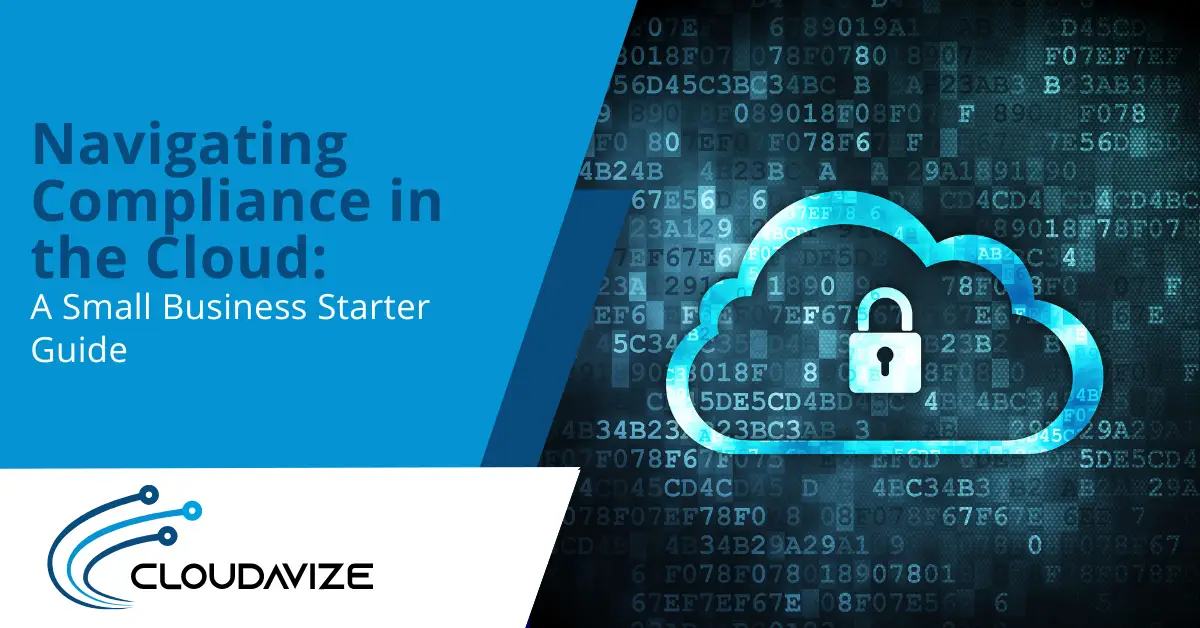
Navigating Compliance in the Cloud: A Small Business Starter Guide
Cloud adoption usually begins simply, you move email to Microsoft 365, store files in SharePoint or OneDrive, launch a few apps, and suddenly your team can work from anywhere.
Then a vendor asks for your security controls, a client sends a questionnaire, or a contract triggers industry requirements, and you realize compliance is really about the everyday decisions you make: access, data handling, retention, and recovery.
So how do you get started without turning your week into a policy-writing marathon?
What Does Cloud Compliance Mean for SMBs?
Cloud compliance may sound like a legal concept, but in practice it’s about everyday operating habits. It’s about controlling who can access your data, protecting it properly, and having a reliable way to recover when something goes wrong, consistently.
Requirements such as laws, regulations, and contracts set the standards. Controls including settings, processes, training, and documentation demonstrate that those standards are met. The cloud changes the tools you use, but not your responsibilities.
Under the shared responsibility model, cloud providers secure the underlying infrastructure, while you are responsible for what you put on top: user access, permissions, device security, and data-handling practices.
Most unexpected compliance issues come from identity and access. Attackers increasingly target credentials, and passwords remain a primary vulnerability.
Cloud adoption can accelerate operations, but without a clear plan, speed can easily lead to gaps in control.
How to Build a Simple Cloud Compliance Baseline
A baseline is not a full compliance program. It represents the minimum set of controls you can maintain consistently without extraordinary effort. It should also be able to scale as your team grows, because compliance becomes more difficult when updates and patches are delayed.
The following steps provide a starting point that most SMBs can manage.
1. Start With Data: Know What You Store and Where It Lives
Before tightening settings, map your actual environment, not the ideal one.
Ask a few practical questions:
- Where do we store sensitive files today?
- Which SaaS tools hold customer data?
- Who has admin access, and why?
- Which devices connect to cloud apps?
If you cannot identify where regulated or contract-sensitive data resides, you cannot confidently set retention rules or access policies.
To maintain this long-term, pair the baseline with consistent ownership and oversight. This often fits naturally with managed IT services when internal staff cannot dedicate time to vendor audits between meetings.
2. Lock Down Identity and Access
If you focus on tightening one area, start with access. Cloud services make sharing easy, and attackers know it.
A strong access posture usually includes:
- Require multi-factor authentication (MFA) for all users and apply extra protection for admin accounts.
- Use role-based access so people only see what they need.
- Review permissions on shared storage regularly, especially for external sharing.
- Remove access promptly when roles change or someone leaves.
You can make this manageable by establishing one short internal rule: “No permanent admin access for daily work.” That single guideline significantly reduces the potential impact if credentials are compromised.
Training remains important. Even strong MFA cannot prevent every mistake. Users may approve the wrong prompt or forward the wrong file. The difference is that these habits are identified and corrected faster when cybersecurity awareness training is treated as a routine part of business operations.
3. Put the Right Technical Controls Around Your Cloud Systems
Compliance frameworks often sound abstract, but the controls that support them stay concrete. Think in terms of two questions: “Can we prevent it?” and “Can we prove it?”
A baseline set of controls that applies across industries includes:
- Encryption and secure configurations: Protect data in transit and at rest, and avoid overly permissive defaults.
- Logging and monitoring: Track sign-ins, admin actions, file access changes, and suspicious events.
- Patch management and endpoint protection: Keep devices updated, since cloud access still comes through endpoints.
- Backups and recovery testing: Prepare for ransomware, accidental deletion, misconfiguration, and outages.
- Documented change control: Record what you change and why, especially for access policies and security settings.
Implementing these controls strengthens both compliance and operational resilience. When encryption, logging, patch management, backups, and documented change processes are in place, you reduce the risk of data loss, security incidents, and regulatory gaps.
Building backup and recovery processes the right way ensures you can restore systems quickly, maintain consistent operations, and provide evidence that your controls are effective.
Together, these practices turn a baseline set of controls into a reliable foundation for ongoing compliance and secure cloud operations.
4. Document the Basics to Prove Compliance with Confidence
Many SMBs implement controls but struggle with the “prove it” part. Audits and questionnaires don’t just ask what you plan to do, they ask what you actually did.
A good starter set of documentation includes:
- Access control policy: Who gets access, how approvals work, and how offboarding is handled.
- Incident response outline: Who responds, what steps are taken, and how notifications occur.
- Backup and recovery plan: What you back up, how often, where it is stored, and how restores are tested.
- Retention guideline: How long key records are kept and where.
You don’t need a 500-page binder. Restore tests, training records, admin change logs, and access review notes all serve as practical evidence that controls are in place and functioning.
5. Reduce Policy Gaps with Automation Where It Makes Sense
Compliance can fail in small ways. Someone creates a new shared folder with overly permissive access. An admin account remains active too long. A team adopts a new tool without considering data residency or retention.
Automation will not solve everything, but it can reduce human inconsistency. A solid IT automation strategy helps standardize user onboarding, enforce basic security policies, and generate repeatable logs for evidence.
Automation also makes compliance less dependent on individuals. You do not rely on one person remembering a rule during a busy week, you rely on built-in guardrails.
Take Control With a Compliance Plan You Can Maintain
Compliance becomes easier when you stop treating it as a one-time project. Instead, focus on building a system you can maintain. That system begins with a clear view of your data, strong identity controls, a small set of technical safeguards, and documentation you can access quickly when needed.
Create a compliance baseline that reduces risk and produces evidence automatically.
If you feel unsure, ask yourself a simple question: “If we had to explain our controls next week, could we?” A shaky answer does not mean failure; it simply marks your starting point.
If you want help translating requirements into real cloud controls, Cloudavize can help. Our team can assess your current environment, tighten identity and access, align backup and recovery, and set up repeatable documentation that supports audits without slowing your business down. Call us at (469) 728-0825, email info@cloudavize.com, or use our online form.
Article FAQ
What does “cloud compliance” mean for a small business?
It means you can show that you protect sensitive data, control who can access it, and recover if something goes wrong. The cloud gives you tools, but you still own the settings and day-to-day habits.
Does moving to the cloud make us compliant automatically?
No. Cloud platforms can support compliance, but you still must configure access, retention, and security controls correctly. You also need proof, like logs, training records, and recovery testing.
What is the shared responsibility model in plain terms?
Your cloud provider secures the infrastructure they run. You secure your users, permissions, devices, and how your data moves and gets shared inside your organization.